A little friendly rivalry.
Good words.
Great company.
A word game for people in the same place. Pass a phone. Connect nearby. Turn a little downtime into your next great game.
iPhone & iPad Nearby play needs no internet
Same table. Your choice.
Two ways to
pass the fun.
One shared device or one each. A new friendly rivalry is just a few taps away.
Your phone.
Their phone.
One good game.
- 01
Pull up a chair.
Open LetterParty on both devices. iPhone and iPad can play together.
- 02
Host, then say hello.
One player chooses Host nearby game. The other chooses Join nearby game and picks their friend. The host approves.
- 03
Let the wordplay begin.
Take turns on a shared board, with your own rack on your device.
Keep Wi-Fi and Bluetooth on and allow Local Network access. No internet or shared Wi-Fi network needed.
A phone to share.
A turn to remember.
- 01
Make yourselves at home.
Choose Start pass & play and enter two names. One iPhone or iPad is all you need.
- 02
Play your word.
Drag or tap your letters onto the board. Commit your move when you’re happy with it.
- 03
Over to your friend.
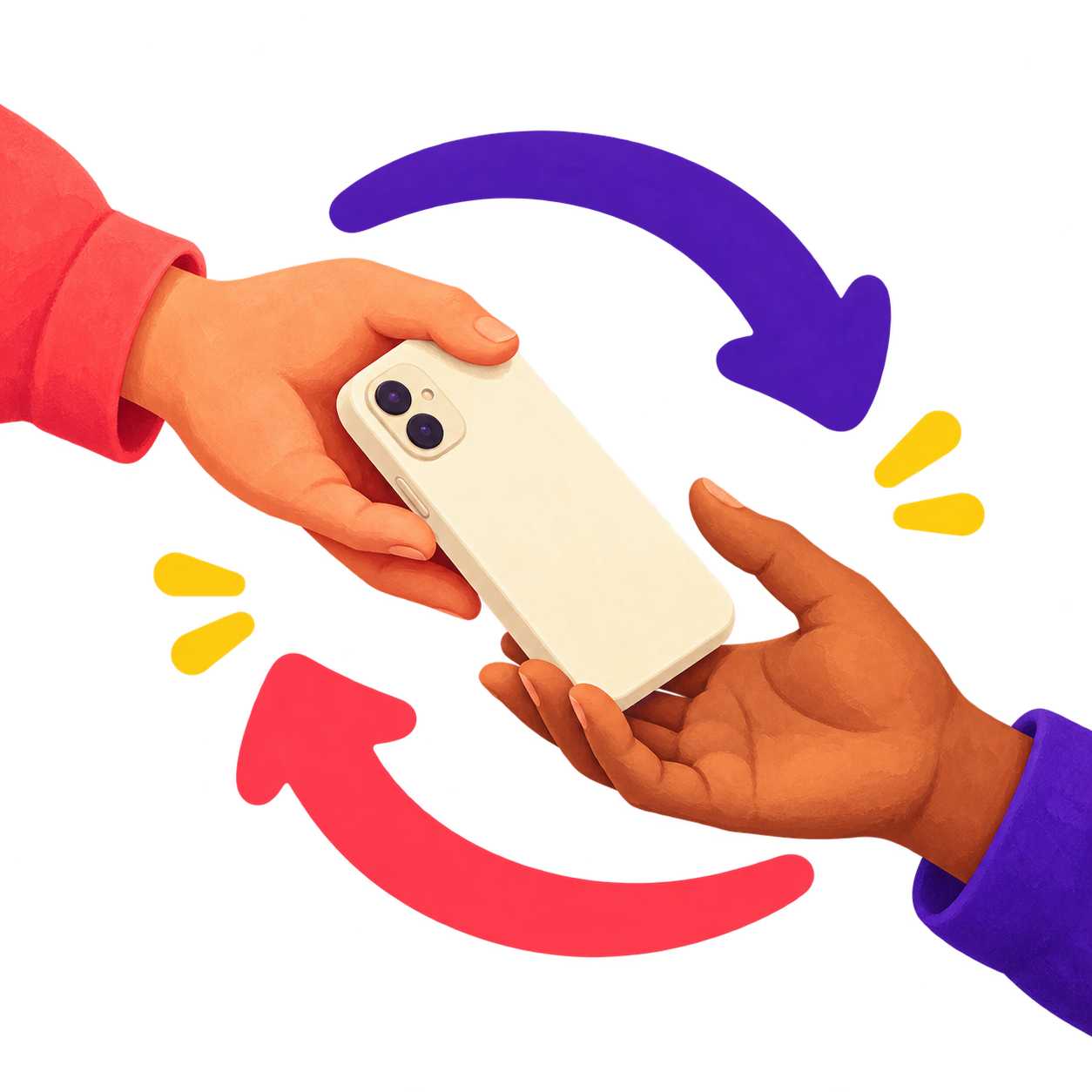
A handoff screen hides the next rack. Pass the device, then let the next player reveal their tiles.
A little mystery keeps it fun. The handoff screen keeps the next player’s rack out of view.
 Your move. Then theirs.
Bring your favorite person.
There’s a game
in this get-together.
Coffee dates. A quiet corner of the bar. A lazy Sunday on the sofa. LetterParty makes a little room for a little friendly competition.
The company is the point.
A little look inside.
Big on the
little details.
Familiar rules, friendly controls.
Made to feel right in your hand.
A little extra room.
Make yourself
at home on iPad.
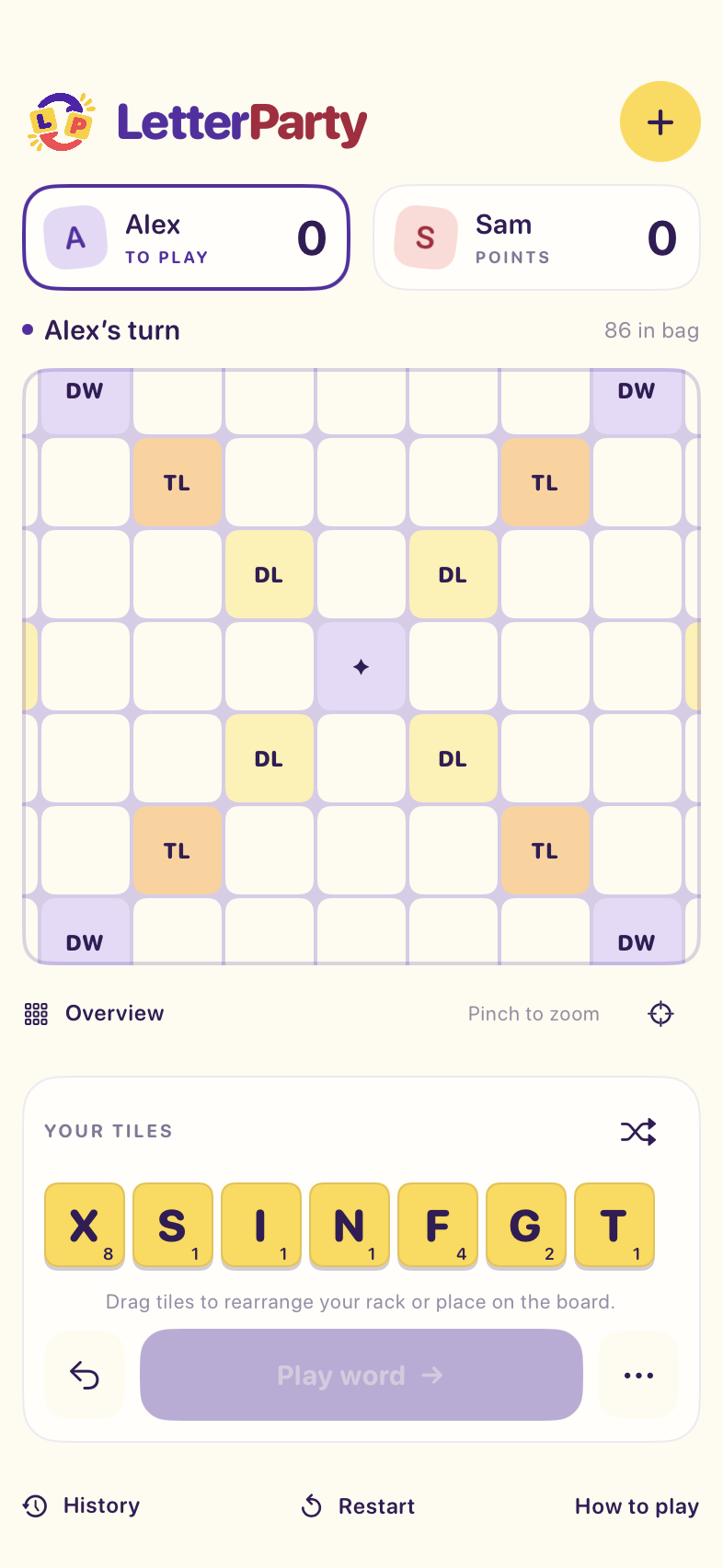
Spread out with a board beside your scores and rack in a wide window. Turn the iPad upright and the controls tuck below the board.
Actual app screens. Tap to take a closer look.
Letters, your way.
Drag to place. Reorder your rack. Pan, pinch, or switch to Overview to find your next opening.
Pick up where you paused.
Committed turns save automatically. Reconnect and resume the same saved game on both devices.
Always room for a rematch.
Restart with the same players, a fresh board, and seven new tiles each. Another round is a tap away.
A tiny turn. A nice little score.
Got three letters?
You’re in.
Build words in a line, connect to the board, and put those bonus squares to work. Here’s one opening to try.
- 1Tap C, A, then T. Place each on its matching square.
- 2Play CAT across the center star for a double word.
- 3On the next turn, add S. A used bonus stays used.
An interactive scoring example, not the full game. In the app, every new word is checked against the bundled ENABLE dictionary.
Before your first move.
A few
good questions.

Do we need internet?
Not for nearby or pass-and-play games. For nearby play, keep Wi-Fi and Bluetooth switched on and allow Local Network access. You don’t need to be on the same Wi-Fi network. Optional Game Center play does use internet.
Can we play on just one phone?
Yes. Choose pass-and-play, enter two names, and take turns passing one iPhone or iPad. A handoff screen hides the next player’s rack until they’re ready.
Can an iPhone play with an iPad?
Yes. Nearby play connects the two. The app supports iPhone and iPad natively and requires iOS or iPadOS 17 or later.
What if one of us disconnects?
Committed turns are saved on the participating devices. Return to the app to reconnect. After relaunching, open Saved games and resume the same match on both devices; the original host shares the current saved state.
How do the word rules work?
Two players take turns placing connected words, with seven-tile racks, letter and word bonuses, and a 50-point bonus for playing all seven tiles. Every new word is checked using the bundled public-domain ENABLE dictionary, which differs from licensed tournament dictionaries.
Do I need an account?
No LetterParty account is needed for nearby or pass-and-play games. The optional Game Center invitation mode uses your Apple Game Center account. Read the privacy policy for the full picture.
Where can I get LetterParty?
LetterParty is being prepared for TestFlight. A public download link isn’t available yet. This page will point you to the beta or App Store when one is available.
Save a seat for wordplay.
Your next great game
is getting ready.
LetterParty is being prepared for TestFlight.
For now, get to know your next favorite table game.